Hey everyone,this post is for all those who don't have an android phone but want to use WhatsApp.
WhatsApp can also be used on a computer with the help of BlueStacks.(For BlueStacks installation steps click here.)
To install WhatsApp on on your PC run BlueStacks.
Visit the official WhatsApp download page here on your browser.

Click on the Download Now button
.
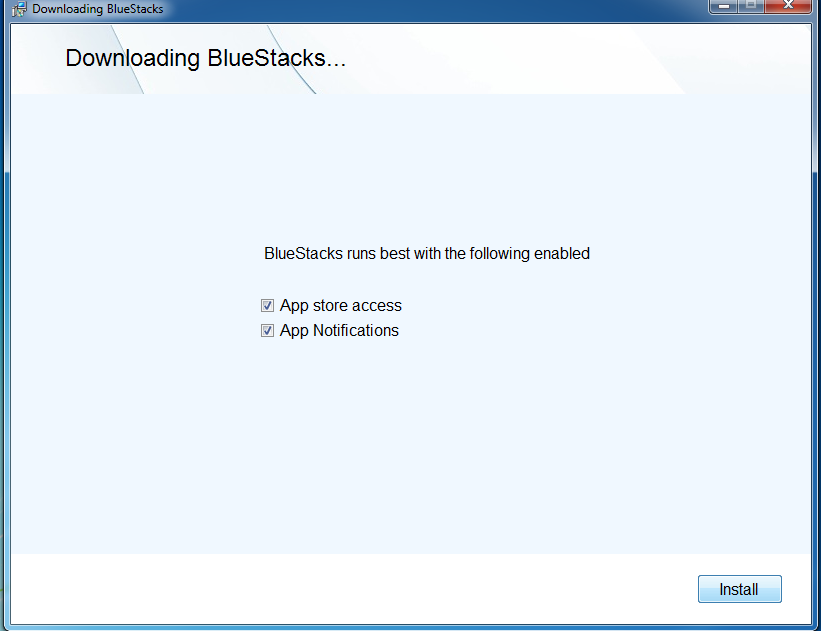
When the download has completed,double-click on the downloaded file.
 The BlueStacks Apk Hndler will take care of all the installation process.
A tiny balloon in the notification area would signal successful installation
Your BlueStack front end would look like this


Click on Agree and Continue

Enter the country and the phone number. The country code for India is +91
WhatsApp will send a text message containing a six digit code to the above number. Do not delete that message

Enter the confirmation code sent on your number. In case of a problem, you can opt for a call to obtain the code.
WhatsApp will call you and give the code!!!!
In the next window enter your details and click on next on the upper right hand corner

Click continue on the next window
 And you are good to go.
The only problem would be that you won't see any contacts for the first time. You will have to manually add the contacts in order to chat with them.

Tap on the button(menu button) highlighted in the image above.(The button next to the back arrow)
This will open up a menu. Choose contacts from here and in the next window that appears again press the same button and add contacts.
This way you can build your contact list. One easy way would be to post a facebook status and ask your friends to ping you n WhatsApp. This way you can save the numbers of people who have sent you a message
Using WhatsApp requires internet so make sure you have a working internet connection before using it.
If you still have any problems write them below in comments and if you have successfully installed WhatsApp then ping me on 7275550392 !!!! :D
WhatsApp can also be used on a computer with the help of BlueStacks.(For BlueStacks installation steps click here.)
To install WhatsApp on on your PC run BlueStacks.
Visit the official WhatsApp download page here on your browser.
Click on the Download Now button
.
When the download has completed,double-click on the downloaded file.
A tiny balloon in the notification area would signal successful installation
Your BlueStack front end would look like this
Now Double click on the WhatsApp icon
Click on Agree and Continue
Enter the country and the phone number. The country code for India is +91
WhatsApp will send a text message containing a six digit code to the above number. Do not delete that message
Enter the confirmation code sent on your number. In case of a problem, you can opt for a call to obtain the code.
WhatsApp will call you and give the code!!!!
In the next window enter your details and click on next on the upper right hand corner
Click continue on the next window
The only problem would be that you won't see any contacts for the first time. You will have to manually add the contacts in order to chat with them.
Tap on the button(menu button) highlighted in the image above.(The button next to the back arrow)
This will open up a menu. Choose contacts from here and in the next window that appears again press the same button and add contacts.
This way you can build your contact list. One easy way would be to post a facebook status and ask your friends to ping you n WhatsApp. This way you can save the numbers of people who have sent you a message
Using WhatsApp requires internet so make sure you have a working internet connection before using it.
If you still have any problems write them below in comments and if you have successfully installed WhatsApp then ping me on 7275550392 !!!! :D